

Get in Touch
"InvesCube is a mobile application designed for educational purposes in the stock market. The app provides comprehensive information on daily Intraday, Delivery, and IPO. Users are encouraged to invest at their own risk, bearing in mind the educational nature of the stock market."
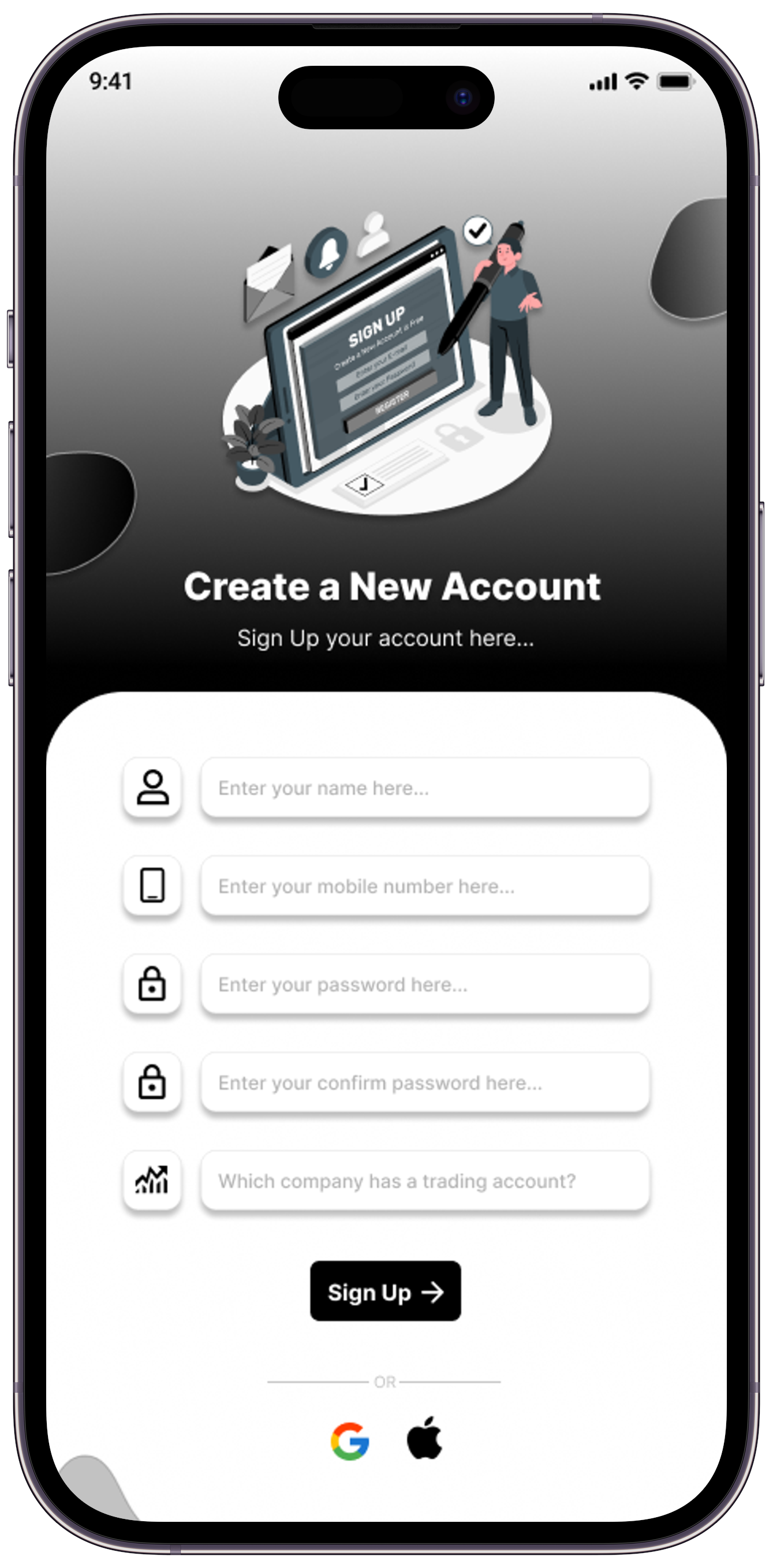
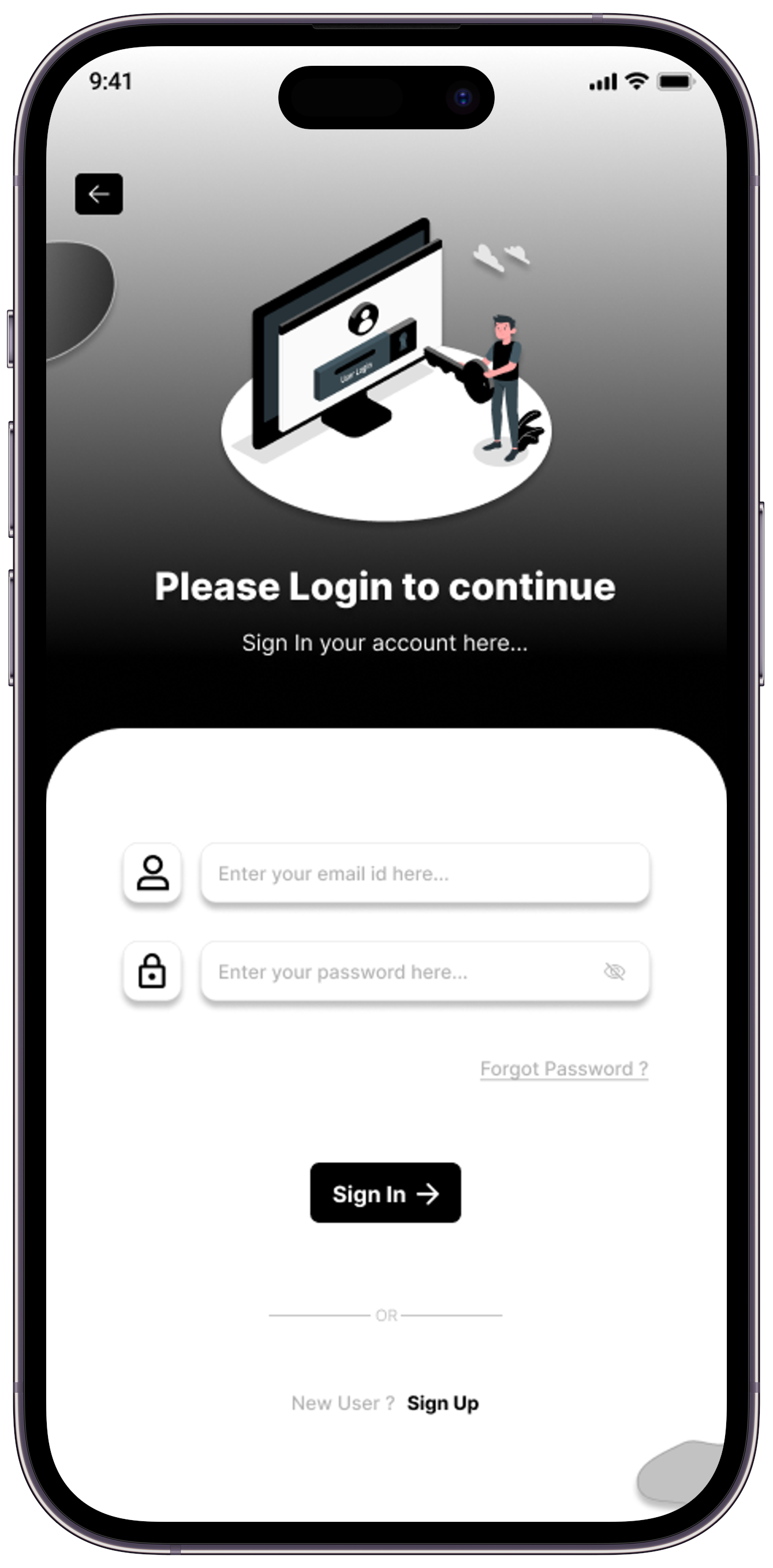
Welcome to the sign-up/login screen of our InvesCube application! Here, you'll find all the necessary features to get started on your investment journey. Whether you're a seasoned investor or just starting, our platform is designed to cater to your needs. Sign up now to access a wealth of information on stocks, market trends, and personalized investment insights. If you already have an account, simply log in to continue your stock market journey. Happy investing!
Here, you can sign up or log in using various details such as your name, mobile number, and trading company name, among others.
Welcome to the dashboard upon logging into our InvesCube application. Here, we offer various educational resources on the dashboard screen, providing information for investment purposes in the stock market, at your own risk.
You can access daily information, including Intraday calls, Delivery calls, and IPOs details, all for educational purposes.
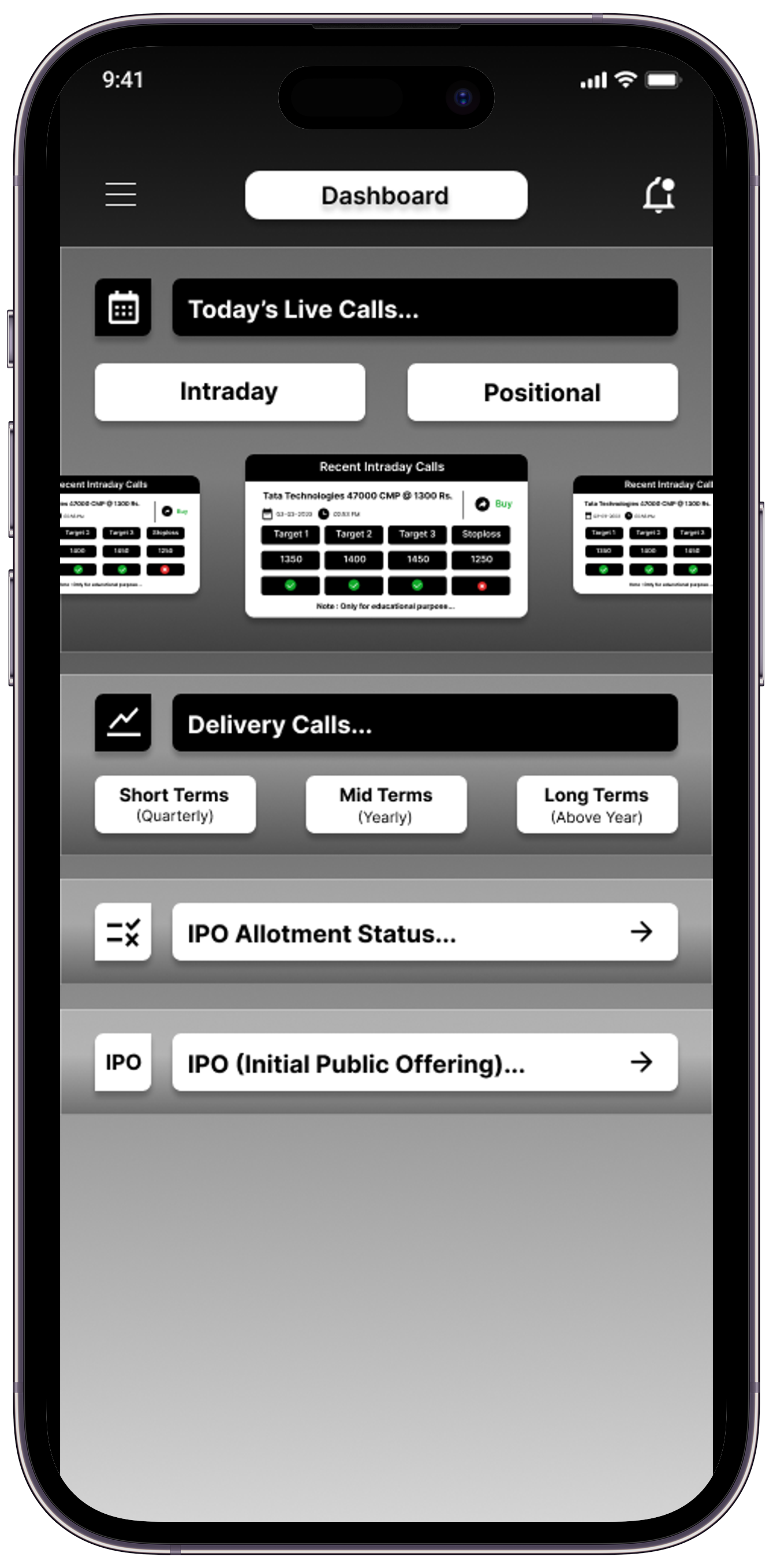
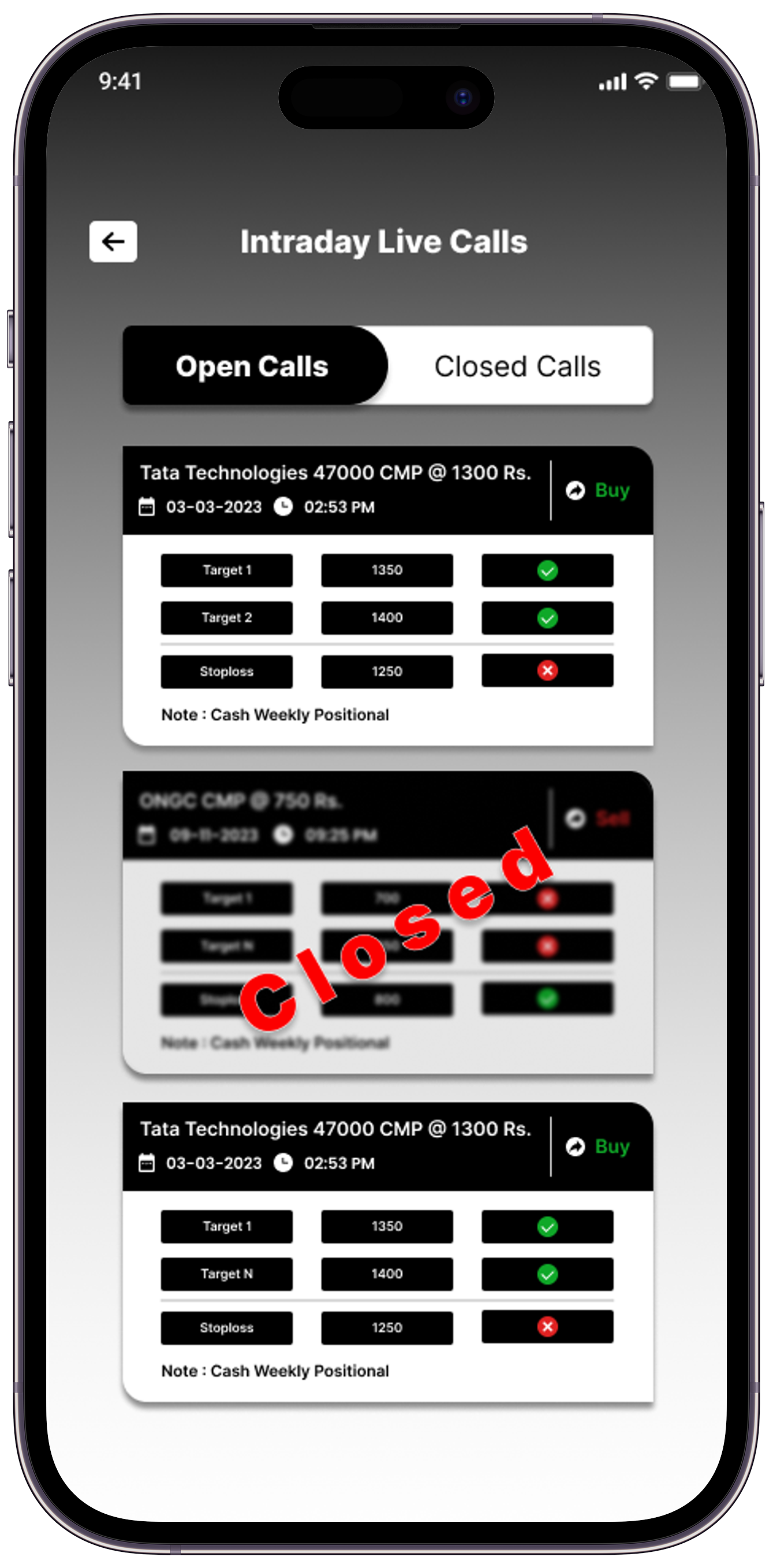
Upon accessing the dashboard, you will find intraday and delivery calls, offering educational information exclusively. Clicking on them provides insights for educational purposes only.
By choosing to invest in the real stock market based on these calls, you do so at your own risk. The screen also delivers daily, regular notification updates, alerting you accordingly.
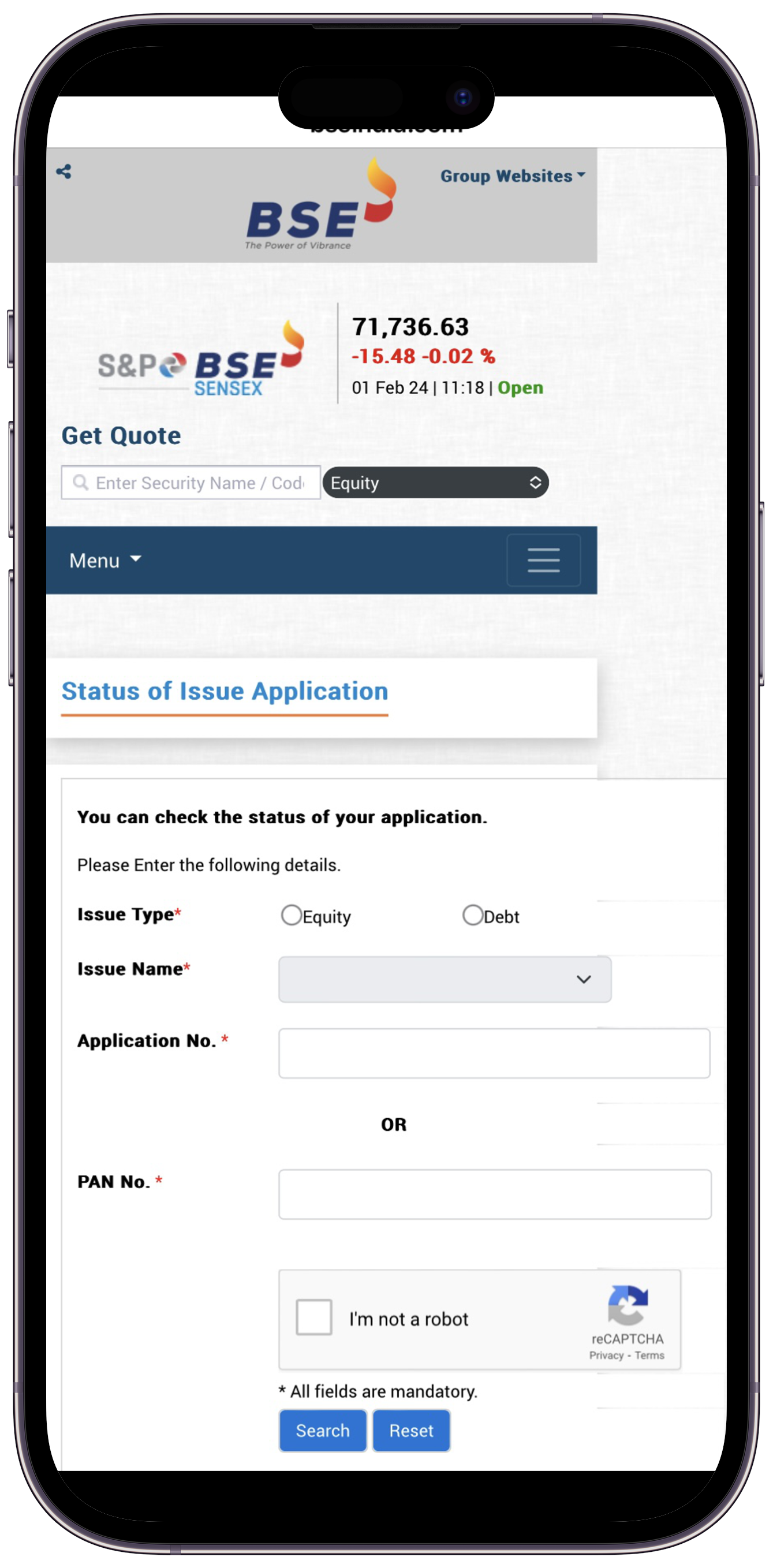
Afterward, you will find the "IPO Allotment Status" menu on the dashboard screen. Clicking on it will open the link to the IPO allotment states.
Upon opening the link, you need to input your personal details to check your IPO allotment status. Once you provide the necessary information, you will be able to view the allotment status of the IPO.
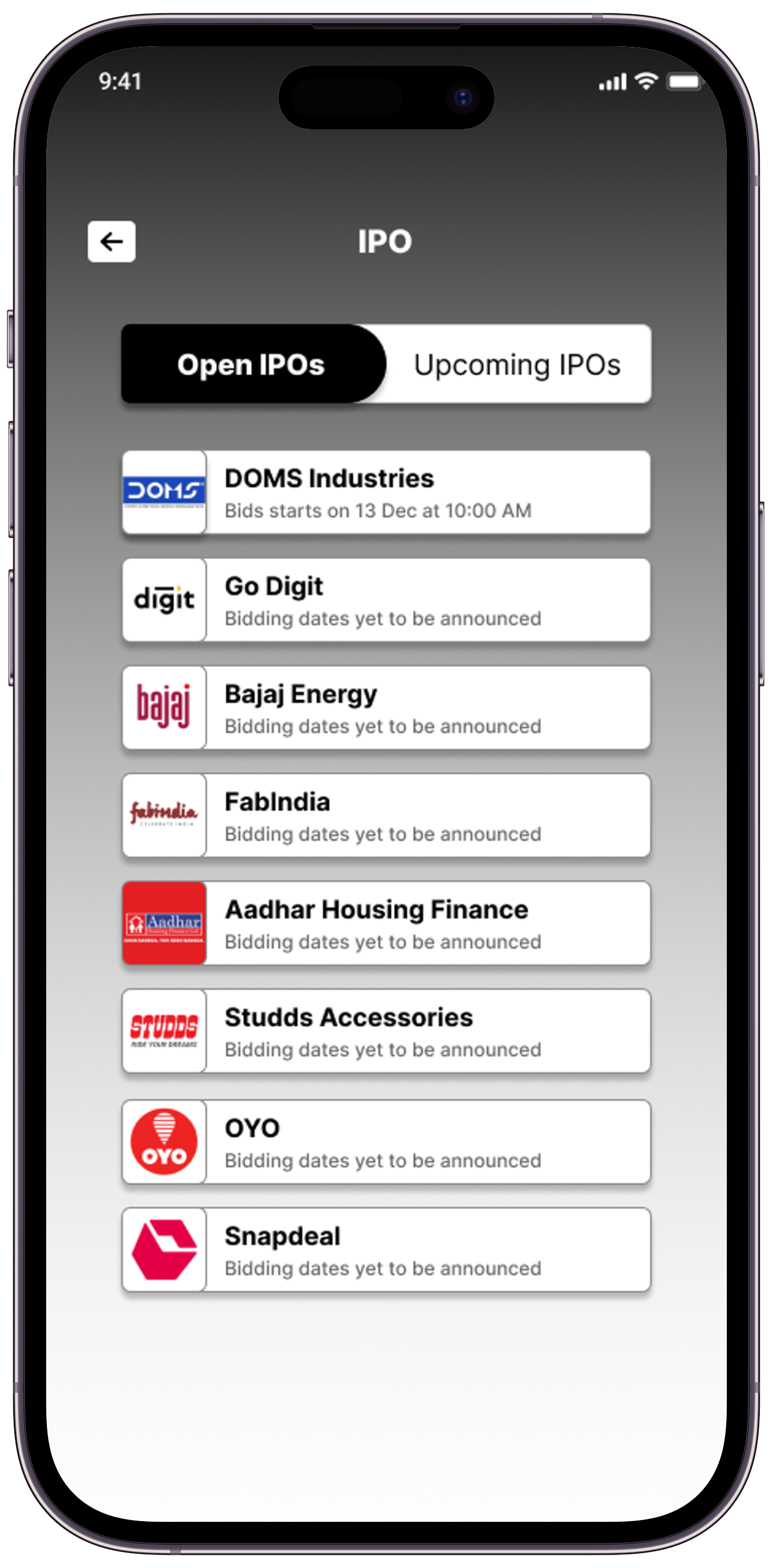
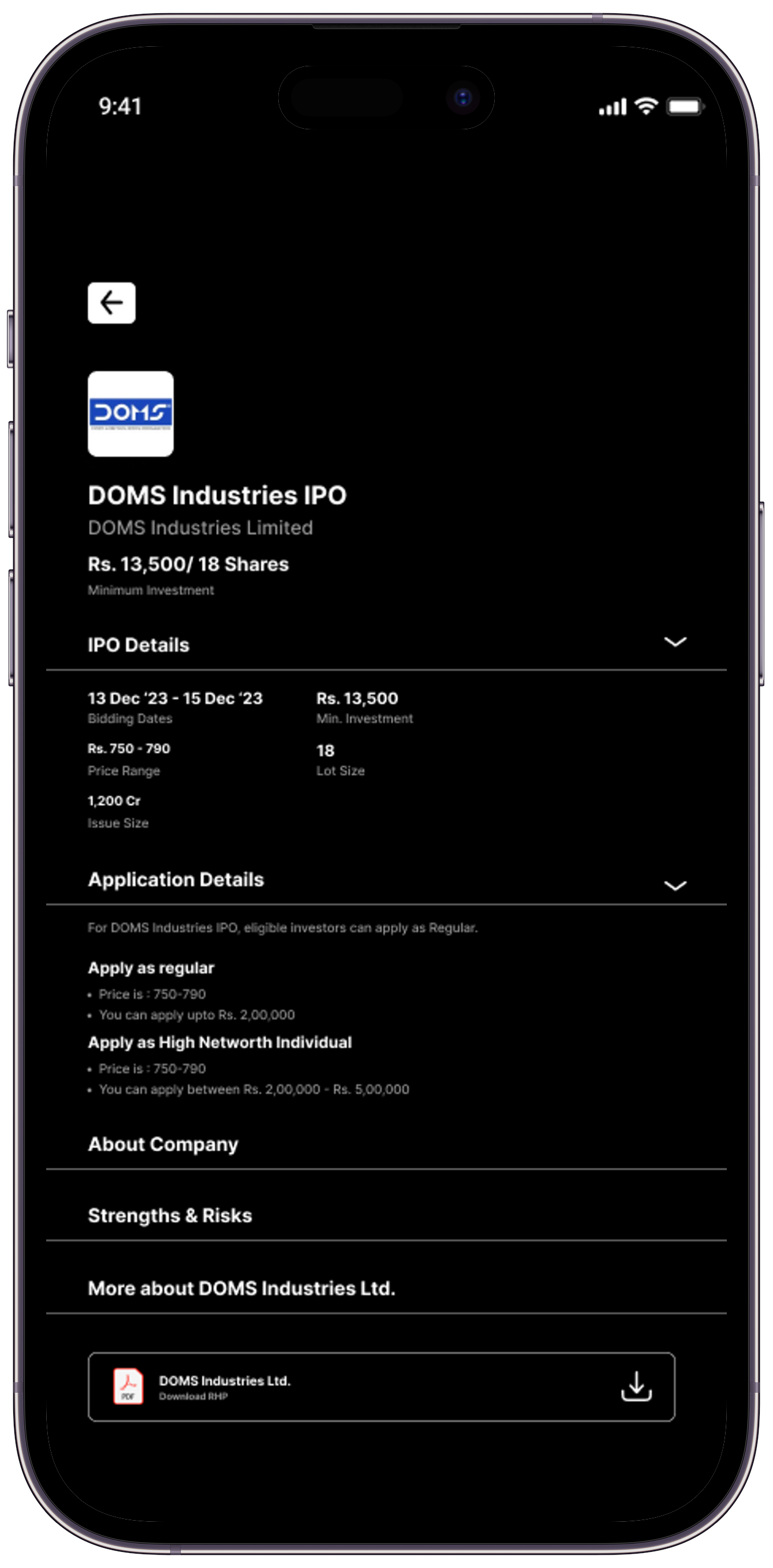
Afterward, on the InvesCube dashboard screen, you will find a menu titled "IPO." Upon clicking it, you will encounter options such as "Open IPO" and "Upcoming IPO."
Selecting either option will display all IPO-related details, including the IPO name, price, lot size, allotment date, issue size, company details, and more. By reviewing these details, you can choose to apply for an IPO at your own risk.
On the dashboard screen, you will find an option on the left side, which functions as a sidebar.
In the InvesCube app's sidebar, you will discover options such as basic education related to the stock market, information about early stock market holidays, contact details, feedback, and logout. This section provides various forms of basic education related to the stock market.
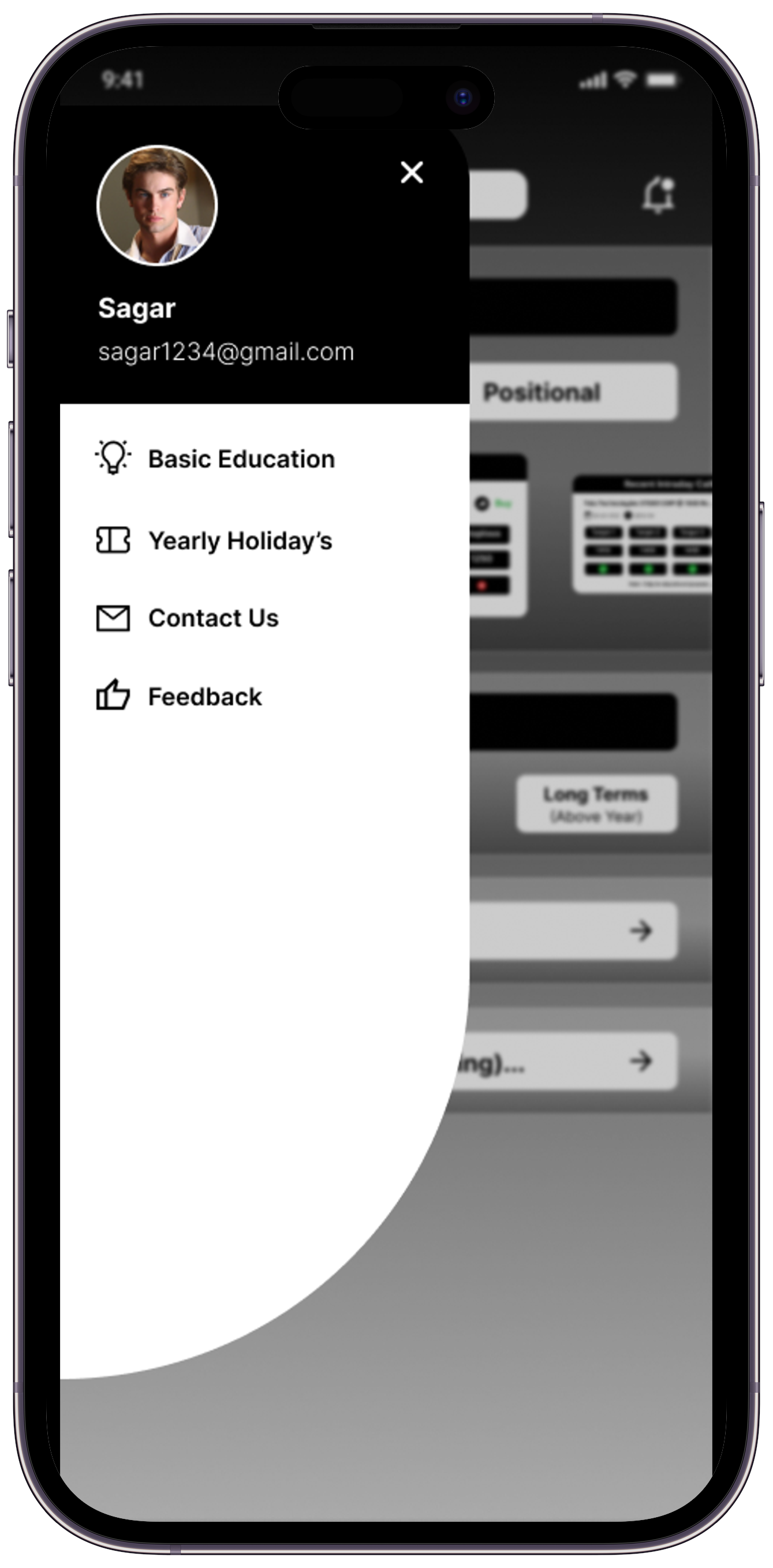
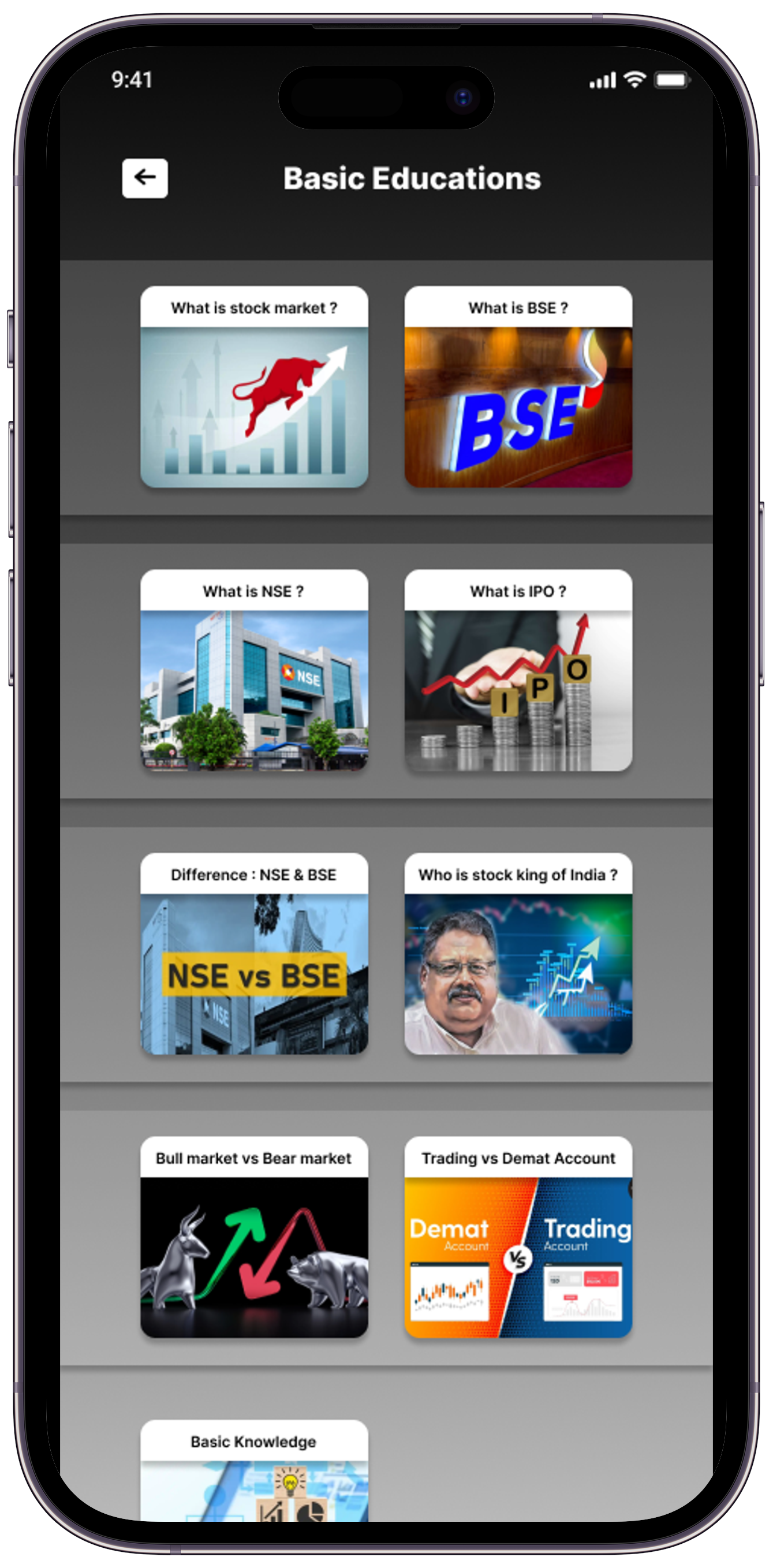

After open the sidebar, where you will find an option for Basic Stock Market Additions. Clicking on this option will provide you with fundamental educational information related to the stock market.
offers comprehensive details that can be highly beneficial for your stock market investments
